An employee looks up leave rules in a workplace portal, a support agent answers a customer, and a user asks how to install a product. All three want an answer grounded in documents without leaving their workflow.
The RAGO-X API connects document-based questions and answers to these screens. Your existing service handles authentication and the interface; RAGO-X processes RAG Chat against cabinets permitted for the API key.
This guide is based on the developer menu and external integration API. The scenarios and questions are illustrative, not customer deployment results. API access is currently available on Pro and higher plans; check pricing and the developer menu for applicable conditions.
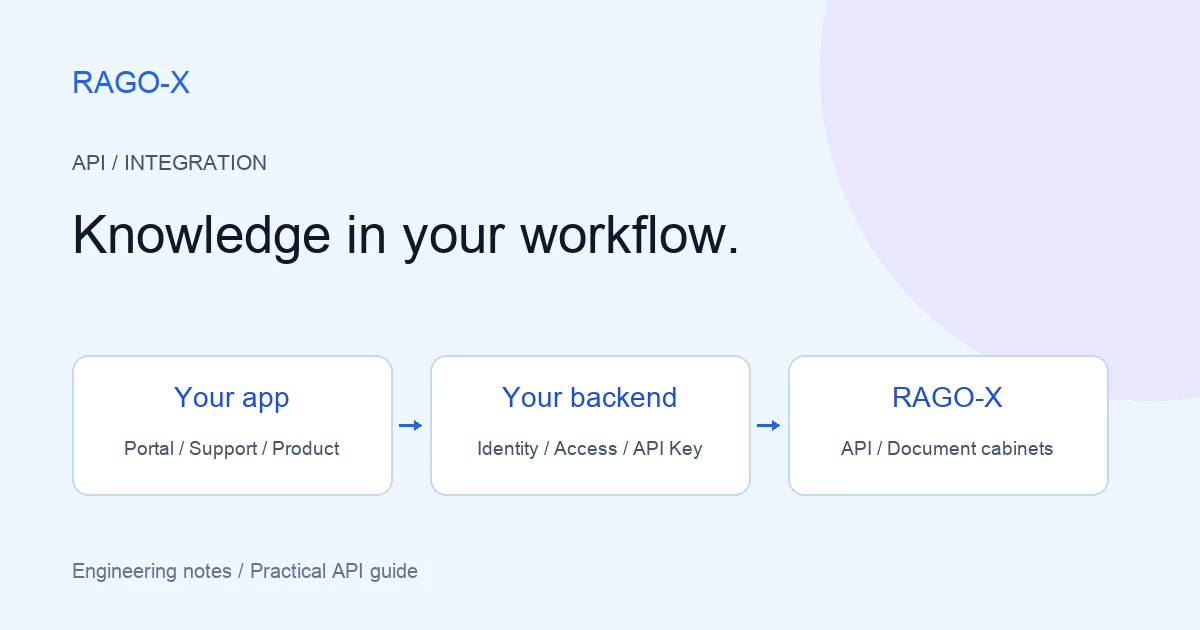
The basic flow: submission and answer delivery are separate
The HTTP response to a question is not the completed answer. First receive a task_id, then connect to that task's stream to receive results.
Existing service UI
    ↓ Question
Your backend — authentication and cabinet authorization
    ↓ Submit using the API key
RAGO-X API — accept task and return task_id
    ↓ Connect to the task's SSE stream
Your backend — receive results and forward them
    ↓
User interface — review the answer and available evidence
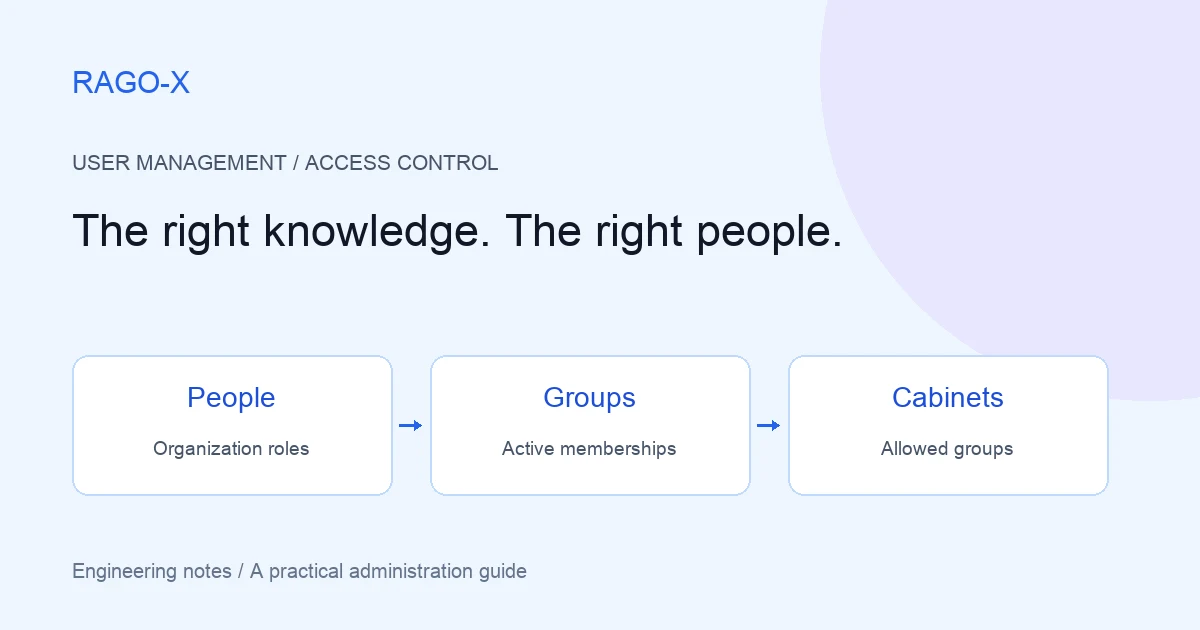
Keep the RAGO-X API key on your server. Users log in to your service; the browser does not need the key. This architecture applies to internal portals, support tools, and product interfaces alike.
Case 1: a workplace policy assistant
The employee's question
“What procedure should I follow to request a half-day off?”
Add a question box to the workplace portal and connect a cabinet of HR policies. Employees can read relevant policy explanations in the same interface instead of opening multiple documents.
Integration steps
- Prepare leave policies, attendance guidance, and application procedures in a RAGO-X cabinet.
- Create an API key restricted to that cabinet.
- Have the portal backend accept authenticated employees' questions and request RAG Chat.
- Receive the task stream and display the answer in the portal.
- Display returned evidence when available so employees can check the original policy.
If policies have different audiences, authorize the employee on the backend before submitting the question. The key's cabinet scope is not the same as an individual employee's permission. Never trust a cabinet UUID supplied by the browser without validation.
Separate conversations by employee. Manage the user–cabinet–conversation relationship on the backend and issue a unique session_id for a new conversation. Do not share one fixed session across employees.
Prepare an API key and send the first question
All three scenarios use the same three endpoints.
| Step | Method and path | Purpose |
|---|---|---|
| 1 | GET /api/v2/integrations/cabinets |
List cabinets allowed for the key |
| 2 | POST /api/v2/integrations/cabinets/{cabinet_uuid}/rag-chat |
Submit a question to the selected cabinet |
| 3 | GET /api/v2/integrations/rag-chat/{task_id}/stream |
Receive the task's SSE response |
1. Create a key in the developer menu
In Developer → API Key Management, choose a descriptive name such as Workplace policy assistant and select only the required cabinets.
You can also set an expiry date and allowed source IPs/CIDRs. For a server with a fixed outbound IP, register that address to restrict key usage. An empty allowed-address list means there is no source-address restriction.
The key is displayed only once, immediately after creation. Store it in a server-side secret store. Do not put it in URLs, frontend code, or browser storage. The login JWT used for key management is distinct from the API key used for external integration requests.
Run these cURL examples on the integration server or in a developer terminal. Prepare these environment variables:
| Variable | Value |
|---|---|
RAGO_X_API_BASE_URL |
The API base URL provided for your environment, without /api/v2 |
RAGO_X_API_KEY |
The issued API key |
CABINET_UUID |
A UUID from the allowed-cabinets response |
TASK_ID |
The task ID returned when submitting the question |
Do not use the landing site's address as the API base URL. Use Developer → API Usage Guide in your environment for the actual endpoint and current request/response specification.
2. List allowed cabinets
curl --fail-with-body --request GET \
  --url "${RAGO_X_API_BASE_URL}/api/v2/integrations/cabinets" \
  --header "Authorization: Bearer ${RAGO_X_API_KEY}"
The response lists cabinets in data.items. Each item contains cabinet_uuid and name. Set CABINET_UUID to the cabinet you intend to use.
If the list is empty, check the key's allowed cabinets before submitting a question. Select the cabinet explicitly on the server instead of simply taking the first result.
3. Submit the question and receive a task ID
curl --fail-with-body --request POST \
  --url "${RAGO_X_API_BASE_URL}/api/v2/integrations/cabinets/${CABINET_UUID}/rag-chat" \
  --header "Authorization: Bearer ${RAGO_X_API_KEY}" \
  --header "Content-Type: application/json" \
  --data '{
    "session_id": "hr-demo-conversation-001",
    "question": "What procedure should I follow to request a half-day off?"
  }'
session_id identifies a conversation; question contains the question. The fixed session value is for one person testing this example. Replace it with a backend-issued conversation ID in a real service.
Set TASK_ID from the returned task_id. Treat task acceptance separately from answer completion. Display a processing state and start receiving the stream after acceptance.
4. Receive results over SSE
curl --fail-with-body --no-buffer --request GET \
  --url "${RAGO_X_API_BASE_URL}/api/v2/integrations/rag-chat/${TASK_ID}/stream" \
  --header "Authorization: Bearer ${RAGO_X_API_KEY}" \
  --header "Accept: text/event-stream"
Use the same API key that submitted the question. A different key cannot arbitrarily read the task, even if both keys belong to the same organization.
The current stream uses a subscribed event for connection acknowledgement and message events for results. Do not wait only for an SSE event named final. Interpret type and completion/error information inside each message's JSON data.
SSE separates events with blank lines. A network read may contain part of an event or several events, so buffer and split data at event boundaries. Keep-alive comment lines may also appear.
The browser's native EventSource cannot attach an arbitrary Authorization header. Receive the RAGO-X stream on the backend with its authentication header and forward results to your frontend using a suitable mechanism.
Case 2: draft answers in a support workspace
The agent's question
“A customer wants to change the delivery address. Find the procedure for each dispatch status.”
Place a Draft from documents button beside the customer inquiry. It submits a question to a cabinet containing support policies and operational manuals.
Review the draft alongside business data
Documents in RAGO-X provide policy and procedural evidence. Obtain live facts, such as whether an order has shipped, from the order system. Connecting the API does not make RAGO-X automatically look up orders or change delivery addresses.
- Check the order status in the existing business system.
- Send the necessary context and question to RAGO-X.
- Show the returned answer and evidence to the agent.
- Let the agent compare policy with actual order status before finalizing the reply.
For example, include “the order has already shipped” in the question. Omit contact details or payment information that is unnecessary for policy interpretation.
Starting with editable drafts reviewed by agents makes it easier to compare results and establish operating practices before introducing automatic customer replies.
Case 3: manual search inside a product
The user's question
“I get an authentication error on the first connection. Which settings should I check?”
Add a help box to the settings screen and connect a cabinet of installation guides, troubleshooting documents, and operating manuals. Users can ask without leaving their current task.
Select documents for the right product and version
Where products or versions need separate documentation, separate the cabinets and have the backend select the appropriate one. The question API shown here accepts session_id and question; do not assume arbitrary fields such as product_version act as filters.
Mentioning the version in the question can provide context, but does not replace cabinet selection or access control.
Show evidence when returned. Follow your environment's response specification for evidence fields and source access; do not assume every response contains a public download URL or numerical confidence score. If evidence is insufficient, allow users to request better documentation or contact support.
How the three scenarios differ
| Item | Policy assistant | Support drafts | Manual search |
|---|---|---|---|
| User | Authenticated employee | Support agent | Product user |
| Documents | Policies and application procedures | Policies and operating manuals | Installation and troubleshooting guides |
| Existing service checks | Employee permissions | Live business state such as orders | Product, version, and entitlement |
| Display | Portal question box | Support draft area | In-product help |
| Initial validation | Conversation isolation | Agent approval | Correct cabinet selection |
The API flow is the same. The differences are which cabinet to connect, what to verify before a question, and where to display the result.
Handle failures before repeating requests
Distinguish submission errors from errors while receiving the stream.
| Response or situation | Check | Integration behavior |
|---|---|---|
401 |
Missing or invalid key | Check authentication; show temporary unavailability |
403 |
Cabinet/task access, key or source policy | Inspect the error code and authorization settings |
409 insufficient credits |
Available organization credits | Stop further requests and notify the administrator |
429 |
Rate limits | Wait according to Retry-After and reduce traffic |
400 or 422 |
Cabinet configuration or request values | Check required fields and the error message |
503 |
Temporary unavailability | Use bounded retries and an outage message |
| Connection lost after acceptance | Received task_id and completion state |
Distinguish the existing task before submitting another question |
Blindly resubmitting may create duplicate tasks. Reusing a session_id does not make it an idempotency key.
If your service must retain conversations in support history or audit screens, design that storage separately. An answer appearing on screen does not mean the existing system has saved it.
Start with one cabinet and one screen
Choose one cabinet and one question interface first. Collect real questions and check answers, evidence, and failure handling before expanding.
For a policy assistant, try common questions about half-day leave, approval, and supporting documents. For product help, test installation steps and common error messages. Include questions the documents cannot answer and review how those results appear.
The API brings knowledge into existing workflows: RAGO-X handles document-based Q&A, while your integration understands users, permissions, and business state.
See API integration and the API use case for an overview. Read RAGO-X architecture for the document-to-answer flow and RAG chunking for retrieval units. Obtain environment-specific API connection details from the developer menu or support.